Photo editor for iPhone
Your photo. Your light.
shy brings out the light, colour and mood of your favourite photos — with looks you dial in, tools that feel like a studio, and every edit made right on your iPhone.
- On your device
- No account needed
- Works offline



Before / after
A little more light. Just as much as you want.
Each look is a recipe of light, colour and texture. Pick one, set its intensity from 0 to 100, and hold the photo to compare with the original at any moment.

Looks
Find your light.
24 looks in 12 families — from direct flash and pocket digital to soft negative, cinema and monochrome. Save your own combination and apply it to a whole series of photos.
-

-

-

-

-

-

-

-

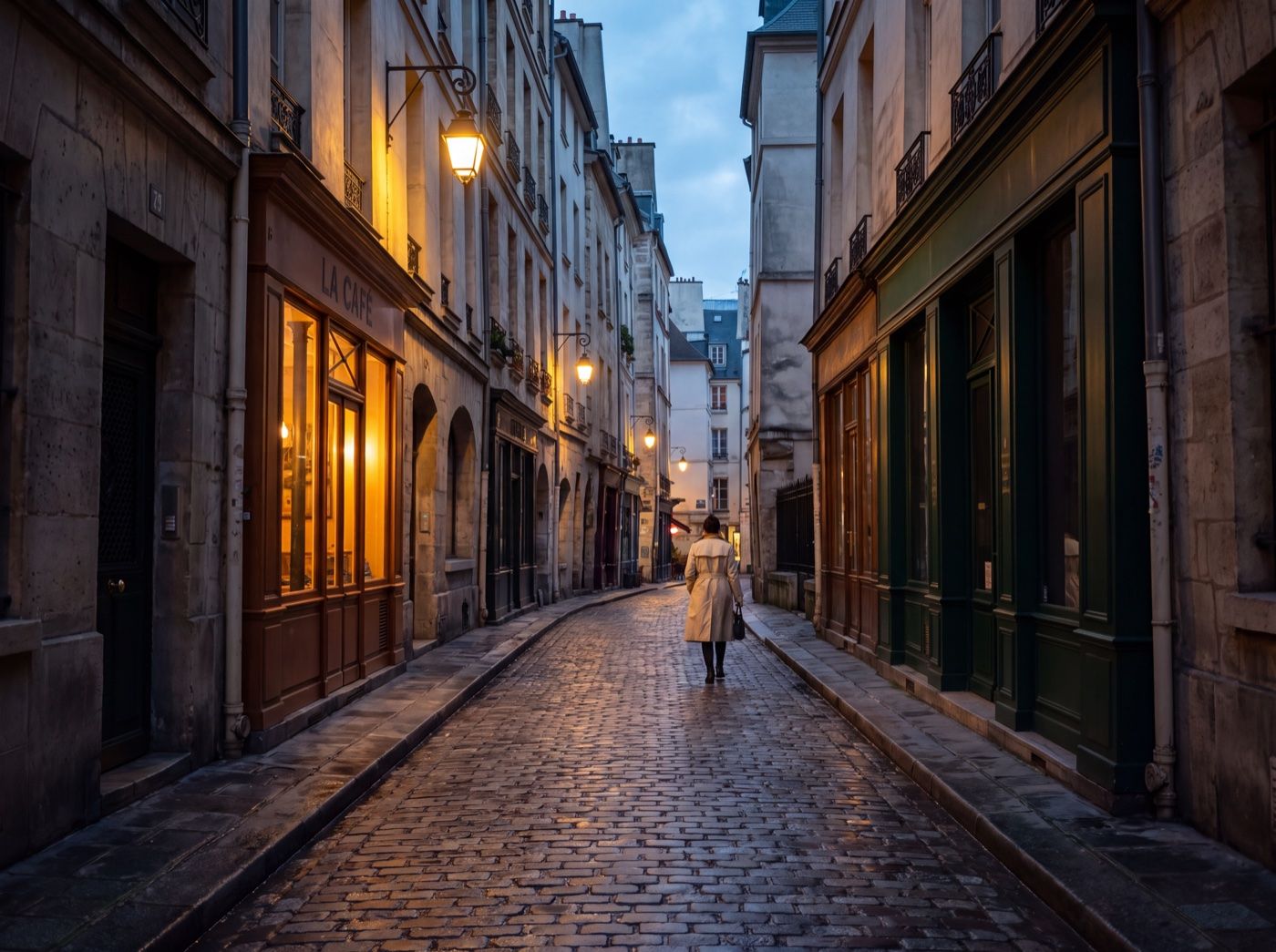
One sample portrait, rendered by shy with each look.
Tools
A personal photo studio in your pocket.
-
Looks with intensity
Preview any look on your own photo and choose how strong it is. Save a look you love and reuse it on other photos.
-
Light and colour
Shape exposure and tones, then fine-tune warmth, tint and colour.
-
Curves and HSL
Tone curves for RGB and each channel, plus hue, saturation and luminance for eight colours.
-
Grain, detail and optics
Add film grain and texture, clean up noise, or soften the light with bloom, halation and vignette.
-
Touch up
Local brushes with adjustable size and strength — for exactly the spot you mean.
-
Crop, history, export
Crop and straighten, step back through your edit history, and export a new copy. The original stays untouched.
Privacy
Your photos stay yours.
shy edits on your iPhone — without uploading photos to a server or creating an account. It isn’t just a promise about our servers: they have nowhere to receive a photo.
Stays on your iPhone
- Your photos and edited copies
- File names, EXIF and location
- Projects, edit history and saved looks
What we do receive
- A random installation ID and basic device details, so the app can work
- Purchase status from Apple
- Usage statistics — only if you allow them
Changed your mind? “Delete my data” in the app erases what our server holds.
Read the Privacy Policy →FAQ
Questions, answered.
Is shy free?
shy is free to download and comes with free looks. shy Pro unlocks the full collection of premium looks and is available as a subscription or a one-time lifetime purchase. Prices are shown in the app before you buy.
Do my photos get uploaded anywhere?
No. Photos are processed on your iPhone and never sent to us. Exported copies go only where you save or share them.
Does shy use AI?
No. Looks and adjustments are classic image-processing recipes calculated on your device. shy doesn’t generate or replace anything in your photo.
Will editing change my original photo?
No. Your original stays untouched, and edits are saved in a project on your iPhone. Export creates a new copy in JPEG or PNG.
Do I need an account or an internet connection?
No account at all. Editing works offline; buying or restoring shy Pro needs a connection to the App Store.
Bring out the light in your photos.
shy is available on the App Store for iPhone.
Download on the App Store